Ctrl Alt Elite Season 5 has landed.
As always Ctrl Alt Elite is completely free for EA How To Plus members! This time we've designed a series specifically for our Asia Pacific audience.
July 2026
RegisterWhat's Happening?
Ctrl Alt Elite Season 5 is 2 sessions hosted by Dante St James. You can register for as many or as few of the sessions as you like.
All sessions are held at 10AM AWST / 12PM AEST
A replay will be made available.
Thursday 16 July
AI for EAs: Meeting Notes That Drive Action
Thursday 30 July
AI for EAs: Turn Your Work Into Assets
Each session is FREE for EA How To Plus Members / $99 USD for Non-Members.
All members can still watch the replays but this is a fantastic opportunity for APAC members to watch live (and for any nightowls in the US)!
I'm in for Ctrl Alt Elite!👩💻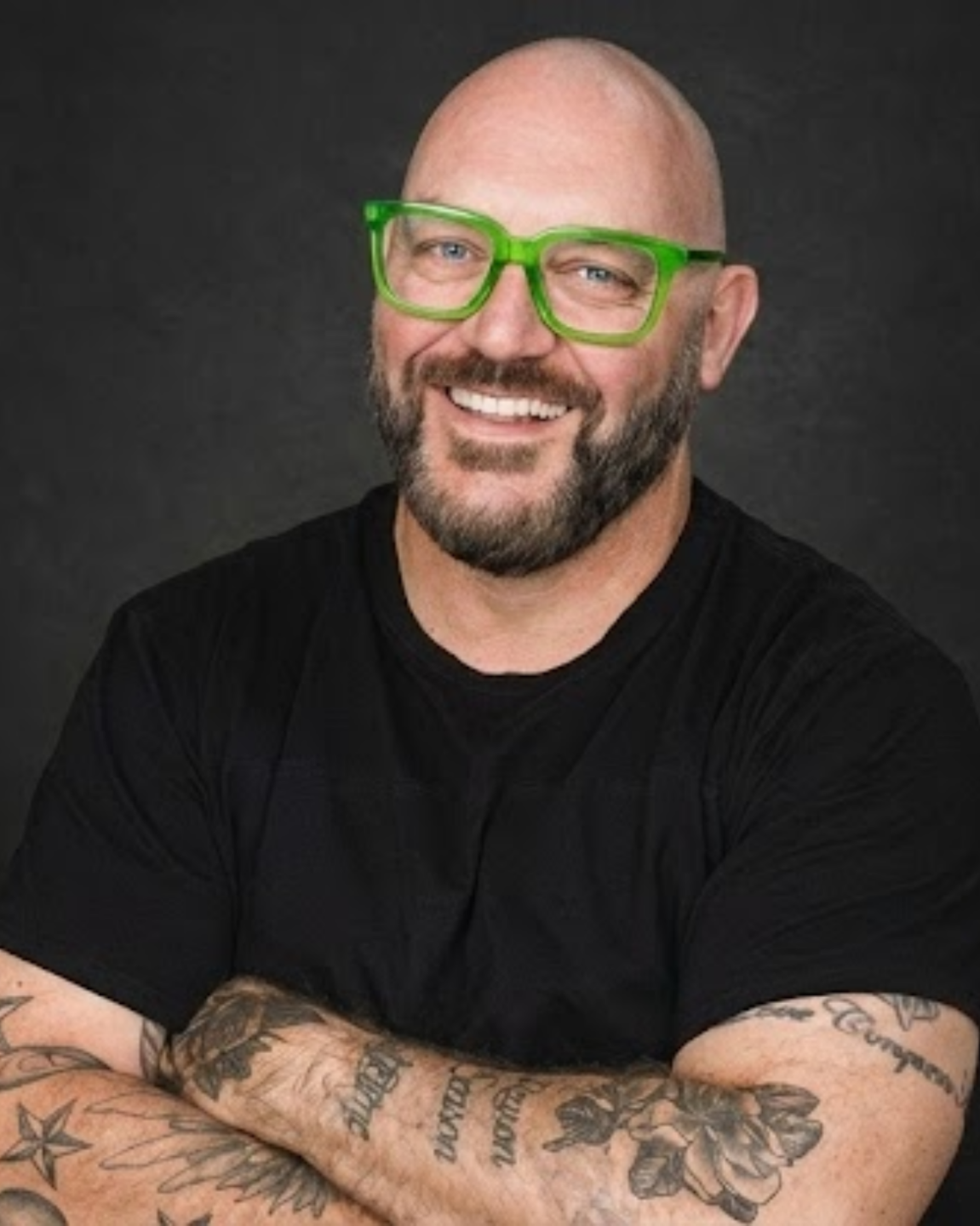
Your Host, Dante St James
Dante is a digital strategist, trainer and AI educator known for making technology feel practical, accessible and immediately useful. His sessions focus on helping professionals understand how to apply digital tools in real work, not just admire them from a safe distance.
He’s also a returning EA How To favourite — because he doesn’t just talk about AI.
He shows you how to use it properly.
Frequently Asked Questions
What exactly will be covered in each session?
I'm an EA How To Plus member. How do I register for free?
Will there be a replay?
How long is each session?
I have questions. Who should I contact?
Pay per session, buy the bundle
or join EA How To Plus to attend all sessions free!
Ctrl Alt Elite Season 5
AI for EAs
Meeting Notes That Drive Action
This session will focus on how Executive Assistants can use AI to capture better meeting notes, identify decisions, clarify action items, assign owners, and create follow-up communication that actually moves work forward.
In this session, we'll cover:
- How to prepare for meetings using AI
- What to capture during meetings, and what to ignore
- How to structure notes around decisions, actions, owners and deadlines
- How to use AI to turn rough notes into clean minutes
- How to create follow-up emails and stakeholder updates from meeting notes
- How to reduce the endless “just checking in” chase cycle
Turn Your Work Into Assets
Dante St James will show how EAs can use AI to turn the work they are already doing into reusable assets, including slide decks, SOPs, internal guides, onboarding resources, stakeholder updates and simple training materials.
In this session, we'll cover:
- How to turn meeting outputs into useful resources
- How to create slide decks and briefing materials faster
- How to build SOPs, guides and onboarding documents from existing knowledge
- How to use AI to organise messy information into clear, professional outputs
- How to create reusable templates and resources instead of starting from scratch every time
- How EAs can use AI to support leaders more strategically
Ctrl Alt Elite: Seasons so far
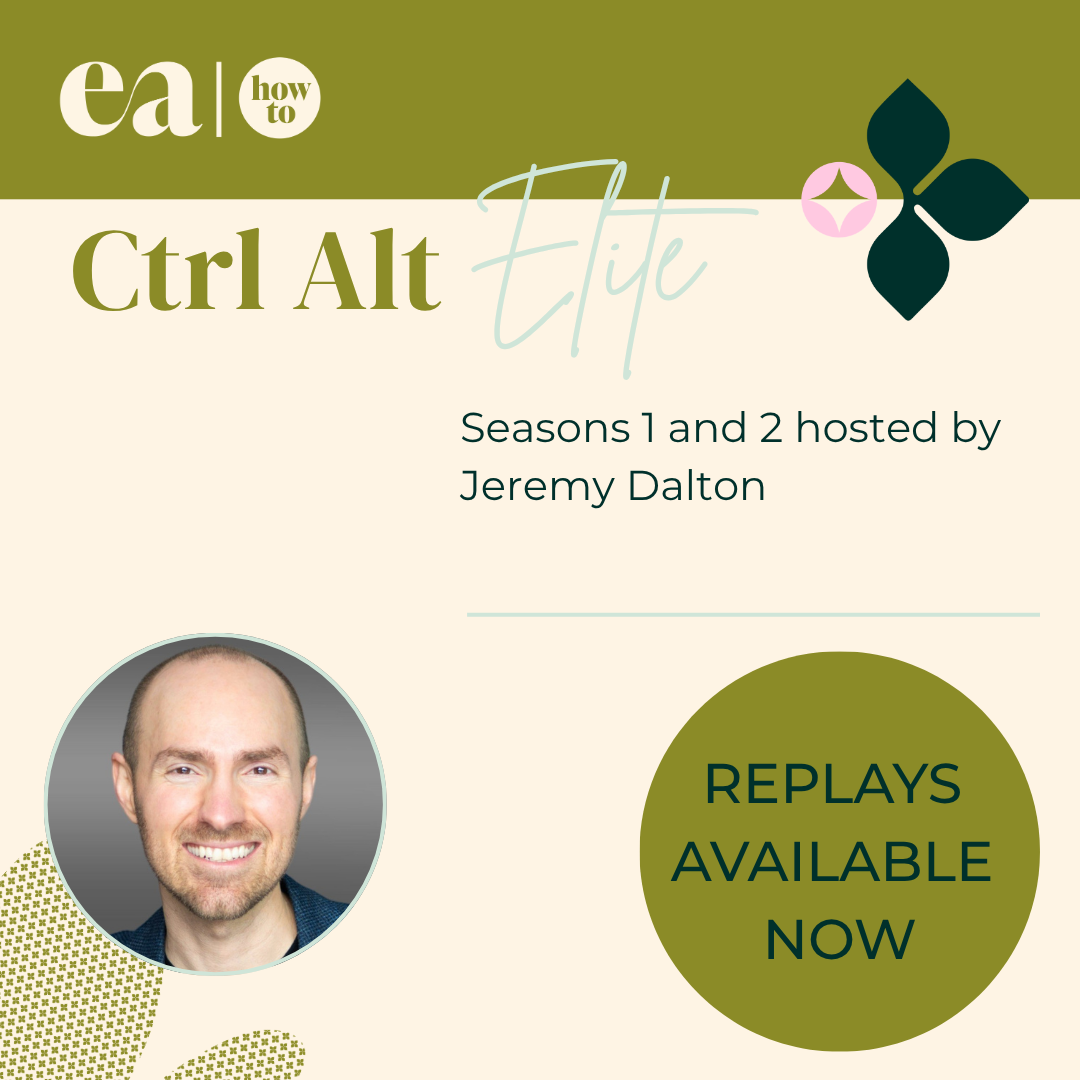
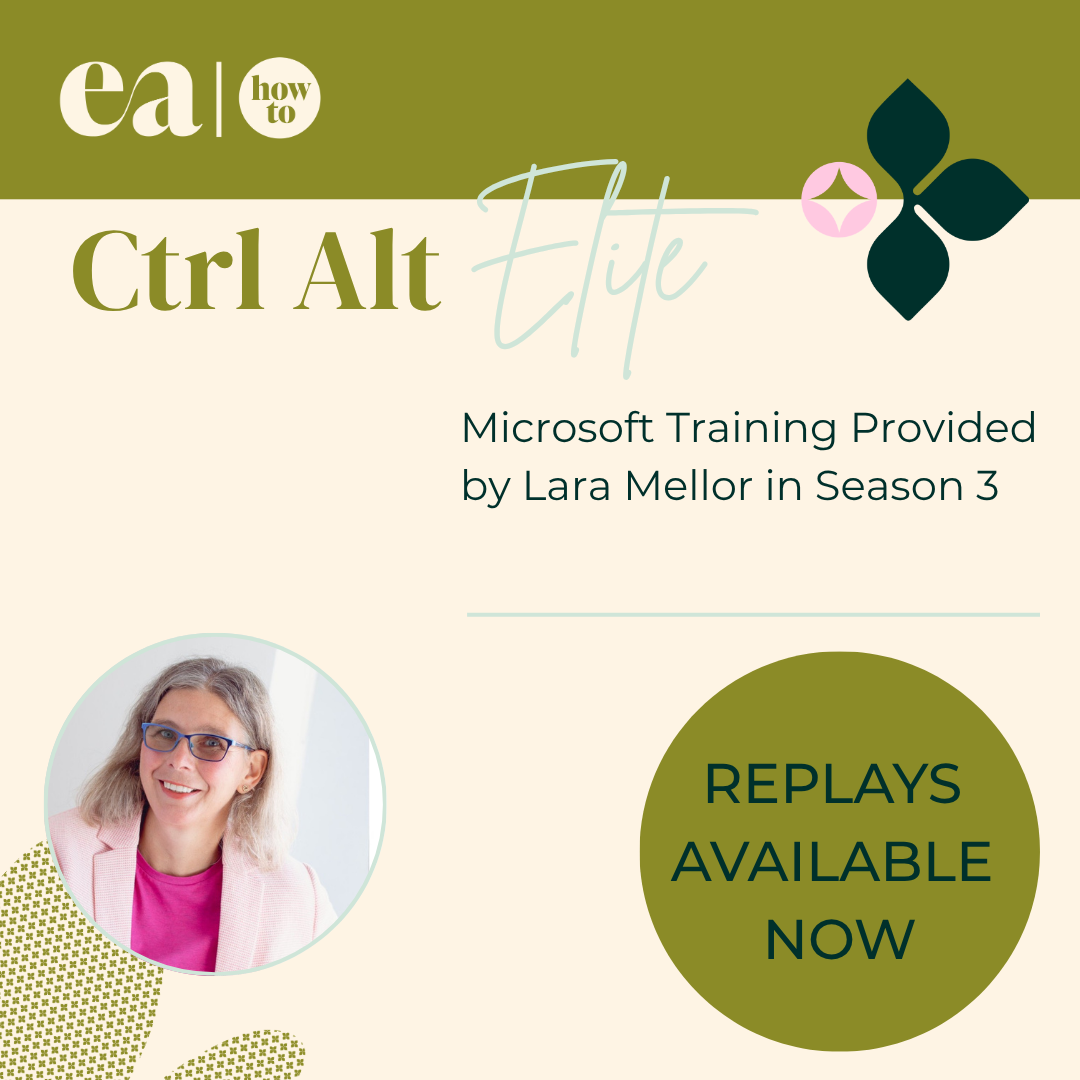
If you are an EA How To Plus Member, you can access the replays to Season One, Two and Three on the Members Portal (Season Four is underway soon!)
For non-members, you can watch the replays using our Replay Access Pass below.
Season 1 with Jeremy Dalton
Getting the most out of AI and Automating the repeatable
Season 2 with Jeremy Dalton
Build Your Ultimate Productivity Planner in Notion
Season 3 with Lara Mellor
Exploring Microsoft tools
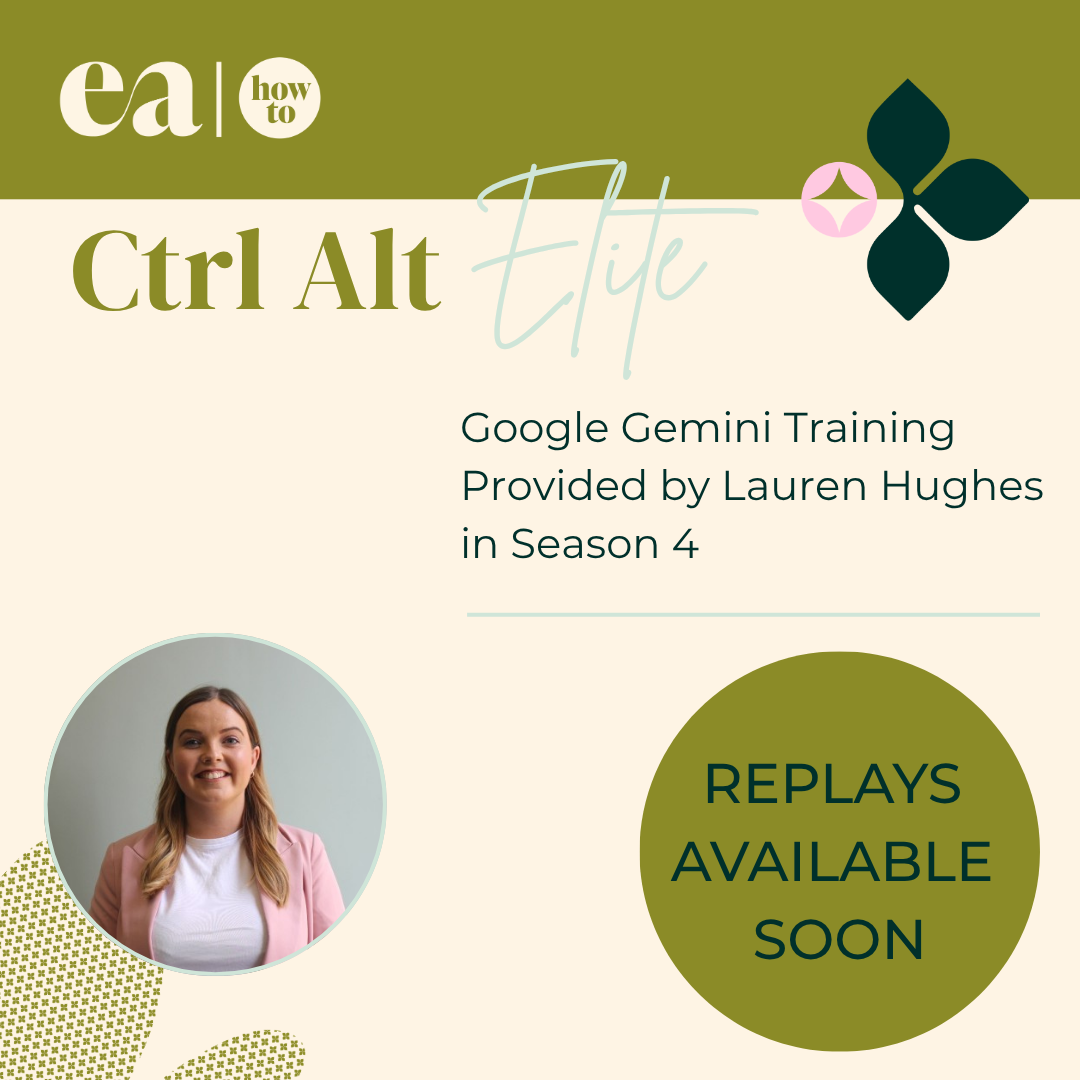
Season 4 with Lauren Hughes (coming soon)
How to use Gemini within Google Workspace
Replay Access Pass